

SharePoint Mentor Curated Articles
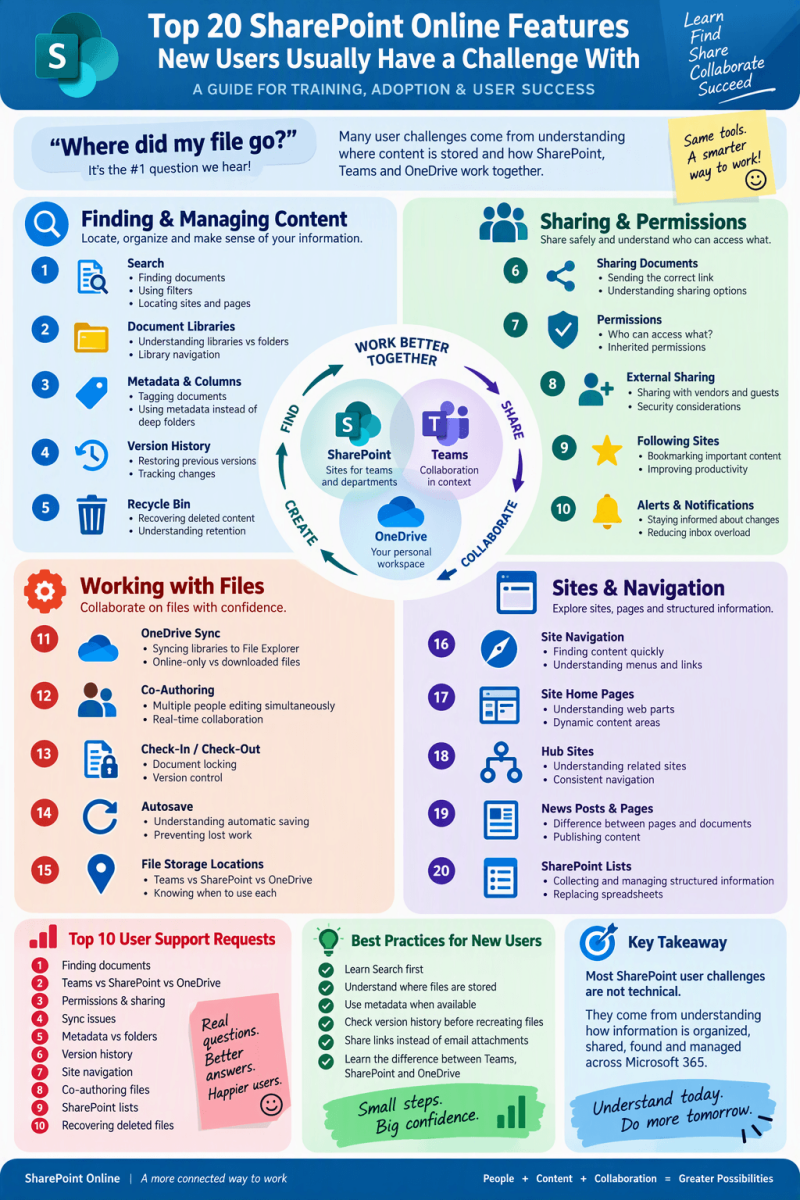
Top 20 SharePoint Online Features New Users Struggle With
A Guide for Training, Adoption & User Success
🔵 BIGGEST CHALLENGE "Where did my file go?" Many user issues stem from understanding where content is stored and how SharePoint, Teams, and OneDrive work together.
📁 Finding & Managing Content
1. Search
- Finding documents
- Using filters
- Locating sites and pages
2. Document Libraries
- Understanding libraries vs folders
- Library navigation
3. Metadata & Columns
- Tagging documents
- Using metadata instead of deep folders
4. Version History
- Restoring previous versions
- Tracking changes
5. Recycle Bin
- Recovering deleted content
- Understanding retention
🤝 Sharing & Permissions
6. Sharing Documents
- Sending the correct link
- Understanding sharing options
7. Permissions
- Who can access what?
- Inherited permissions
8. External Sharing
- Sharing with vendors and guests
- Security considerations
9. Following Sites
- Bookmarking important content
- Improving productivity
10. Alerts & Notifications
- Staying informed about changes
- Reducing inbox overload
💻 Working with Files
11. OneDrive Sync
- Syncing libraries to File Explorer
- Online-only vs downloaded files
12. Co-Authoring
- Multiple people editing simultaneously
- Real-time collaboration
13. Check-In / Check-Out
- Document locking
- Version control
14. Autosave
- Understanding automatic saving
- Preventing lost work
15. File Storage Locations
- Teams vs SharePoint vs OneDrive
🏗 Sites & Navigation
16. Site Navigation
- Finding content quickly
- Understanding menus and links
17. Site Home Pages
- Understanding web parts
- Dynamic content areas
18. Hub Sites
- Understanding related sites
- Consistent navigation
19. News Posts & Pages
- Difference between pages and documents
- Publishing content
20. SharePoint Lists
- Collecting and managing structured information
- Replacing spreadsheets
🚨 Top 10 User Support Requests
🥇 Finding Documents
🥈 Teams vs SharePoint vs OneDrive
🥉 Permissions & Sharing
4️⃣ Sync Issues
5️⃣ Metadata vs Folders
6️⃣ Version History
7️⃣ Site Navigation
8️⃣ Co-Authoring Files
9️⃣ SharePoint Lists
🔟 Recovering Deleted Files
✅ Best Practices for New Users
🎯 Learn Search First
🎯 Understand Where Files Are Stored
🎯 Use Metadata When Available
🎯 Check Version History Before Recreating Files
🎯 Share Links Instead of Email Attachments
🎯 Learn the Difference Between Teams, SharePoint, and OneDrive