

SharePoint Mentor Curated Articles
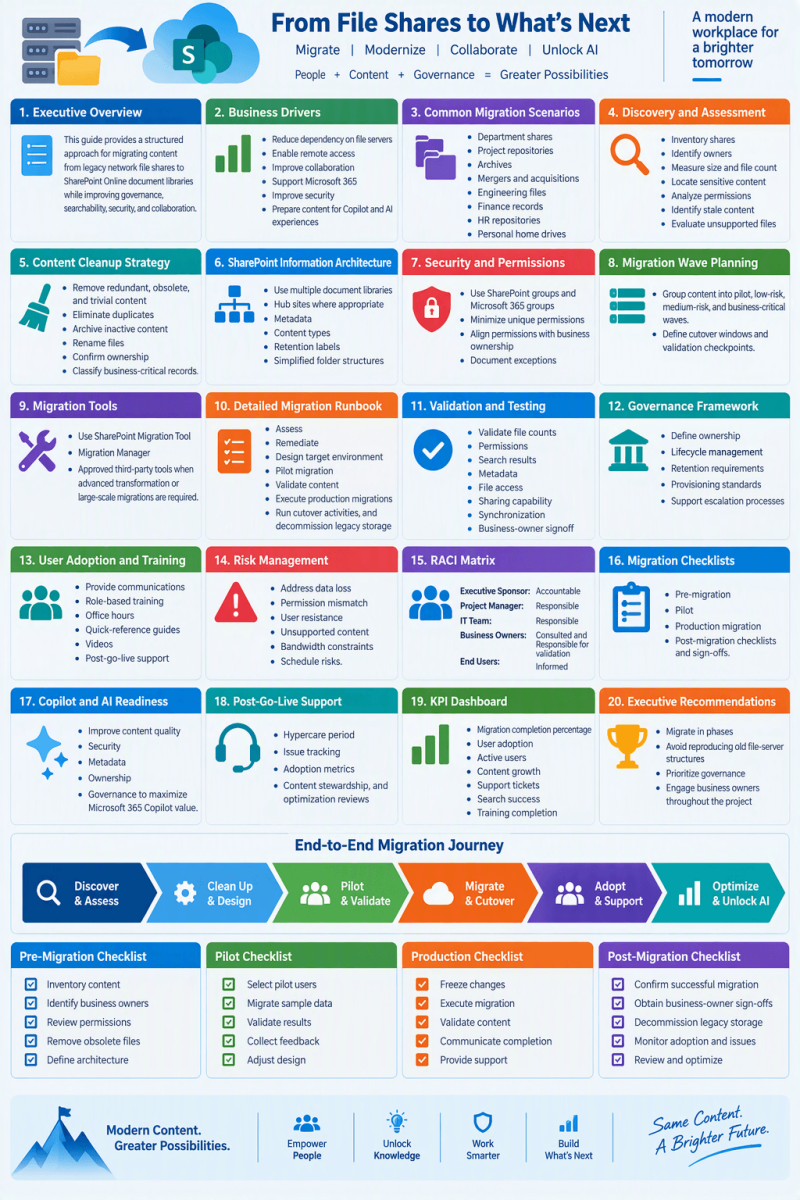
Best Practices, Architecture, Governance, and Adoption Planning
1. Executive Overview
- This guide provides a structured approach for migrating content from legacy network file shares to SharePoint Online document libraries while improving governance, searchability, security, and collaboration.
2. Business Drivers
- Reduce dependency on file servers
- Enable remote access
- Improve collaboration
- Support Microsoft 365
- Improve security
- Prepare content for Copilot and AI experiences
3. Common Migration Scenarios
- Department shares
- Project repositories
- Archives
- Mergers and acquisitions
- Engineering files
- Finance records
- HR repositories
- Personal home drives
4. Discovery and Assessment
- Inventory shares
- Identify owners
- Measure size and file count
- Locate sensitive content
- Analyze permissions
- Identify stale content
- Eevaluate unsupported files
5. Content Cleanup Strategy
- Remove redundant, obsolete, and trivial content
- Eliminate duplicates
- Archive inactive content
- Rename files
- Confirm ownership
- Classify business-critical records
6. SharePoint Information Architecture
- Use multiple document libraries
- Hub sites where appropriate
- Metadata
- Content types
- Retention labels
- Simplified folder structures
7. Security and Permissions
- Use SharePoint groups and Microsoft 365 groups
- Minimize unique permissions
- Align permissions with business ownership
- Document exceptions
8. Migration Wave Planning
- Group content into pilot, low-risk, medium-risk, and business-critical waves.
- Define cutover windows and validation checkpoints.
9. Migration Tools
- Use SharePoint Migration Tool
- Migration Manager
- Approved third-party tools when advanced transformation or large-scale migrations are required.
10. Detailed Migration Runbook
- Assess
- Remediate
- Design target environment
- Pilot migration
- Validate content
- Execute production migrations
- Run cutover activities, and decommission legacy storage
11. Validation and Testing
- Validate file counts
- Permissions
- Search results
- Metadata
- File access
- Sharing capability
- Synchronization
- Business-owner signoff
12. Governance Framework
- Define ownership
- Lifecycle management
- Retention requirements
- Provisioning standards
- Support escalation processes
13. User Adoption and Training
- Provide communications
- Role-based training
- Office hours
- Quick-reference guides
- Videos
- Post-go-live support
14. Risk Management
- Address data loss
- Permission mismatch
- User resistance
- Unsupported content
- Bandwidth constraints
- Schedule risks.
15. RACI Matrix
- Executive Sponsor: Accountable.
- Project Manager: Responsible.
- IT Team: Responsible.
- Business Owners: Consulted and Responsible for validation.
- End Users: Informed.
16. Migration Checklists
- Pre-migration
- Pilot
- Production migration
- Post-migration checklists and sign-offs.
17. Copilot and AI Readiness
- Improve content quality
- Security
- Metadata
- Ownership
- Governance to maximize Microsoft 365 Copilot value.
18. Post-Go-Live Support
- Hypercare period
- Issue tracking
- Adoption metrics
- Content stewardship, and optimization reviews
19. KPI Dashboard
- Migration completion percentage
- User adoption
- Active users
- Content growth
- Support tickets
- Search success
- Training completion
20. Executive Recommendations
- Migrate in phases
- Avoid reproducing old file-server structures
- Prioritize governance
- Engage business owners throughout the project
Pre-Migration Checklist
- Inventory content
- Identify business owners
- Review permissions
- Remove obsolete files
- Define architecture
Pilot Checklist
- Select pilot users
- Migrate sample data
- Validate results
- Collect feedback
- Adjust design
Production Checklist
- Freeze changes
- Execute migration
- Validate content
- Communicate completion
- Provide support