

SharePoint Mentor Curated Articles
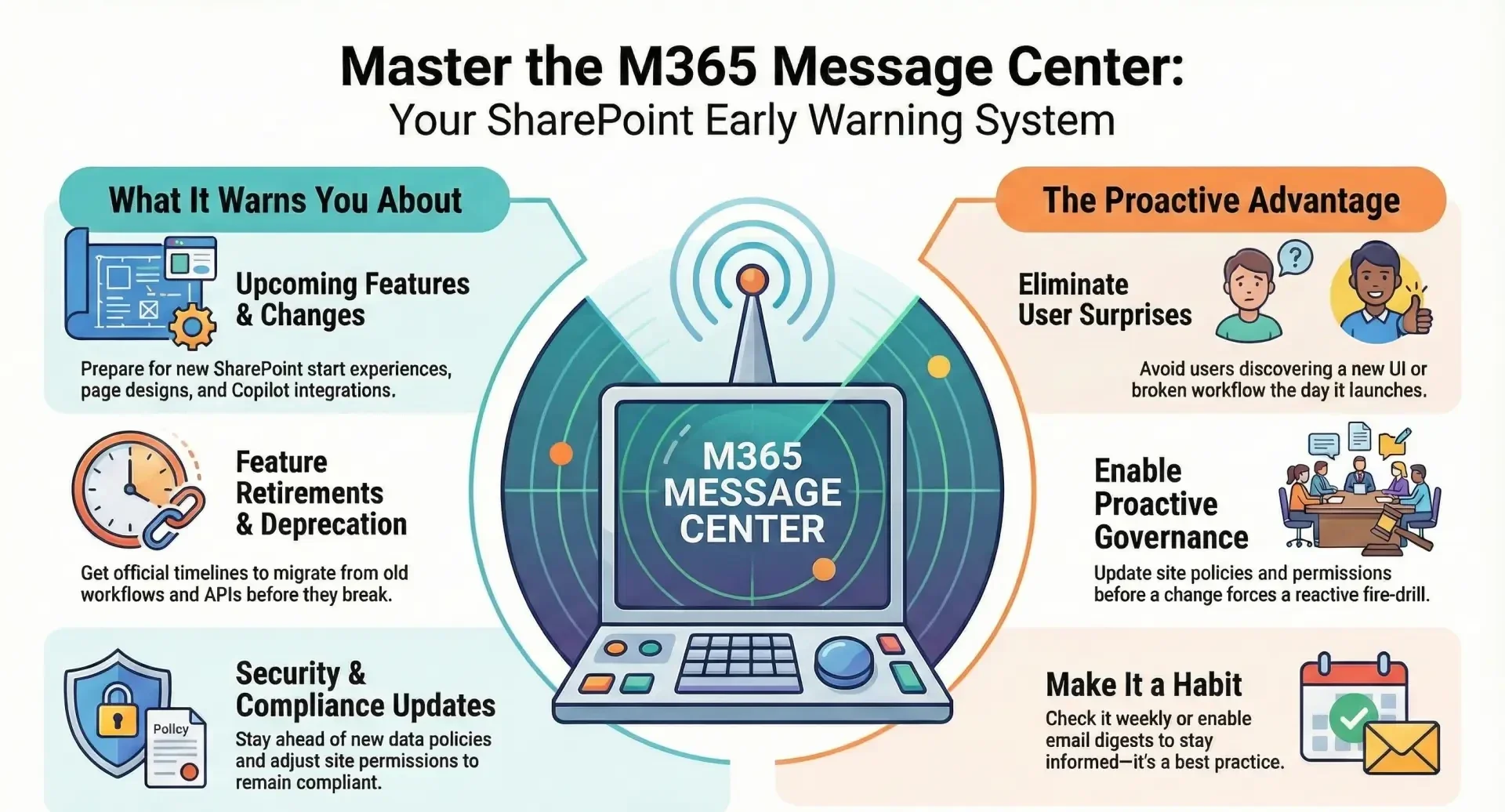
The Microsoft 365 Message Center is one of the most important tools for SharePoint site owners and 365 administrators.
Its core value lies in giving you official, advance notice of changes that can affect your SharePoint environment, tenant configuration, security, compliance, and end-user experience.
Key Value for SharePoint Site Owners and Administrators
| Area of Impact | What the Message Center Provides | Why It Matters for SharePoint |
|---|---|---|
| Upcoming Features & Changes | Detailed announcements of new SharePoint features, page experiences, navigation changes, Viva Connections updates, etc. | You can prepare communication, training, or governance updates before users see something new (e.g., the new SharePoint start experience, redesigned home sites, Copilot integrations). |
| Feature Deprecation & Removal | Official timelines when features will be retired (e.g., SharePoint 2013 workflows, classic site templates, certain web parts). | Allows you to migrate workflows to Power Automate, redesign classic sites, or move away from deprecated APIs before functionality breaks. |
| Planned Maintenance & Service Incidents | Scheduled maintenance windows that may affect SharePoint or OneDrive. | You can notify users or schedule your own change freezes to avoid conflicts. |
| Security & Compliance Updates | New data loss prevention policies, retention label changes, sensitivity label behavior in SharePoint, eDiscovery updates, etc. | Helps you stay compliant and adjust site permissions or sharing settings in time. |
| Breaking Changes to APIs & CSOM | Notices when Microsoft Graph or CSOM endpoints are changing or being retired. | Developers and Power Platform solutions that interact with SharePoint can be updated before they stop working. |
| Message Importance Tags & Act-By Dates | Messages are tagged as “Plan for change,” “Stay informed,” or “Act now” with specific deadlines. | You can prioritize what actually requires your attention instead of reading everything. |
| Major Updates (MC) vs. Roadmap Alignment | Message Center posts are usually linked to the Microsoft 365 Roadmap ID. | You can track exactly which roadmap item is being rolled out and when. |
Practical Day-to-Day Benefits
- Avoid surprises: Users and site owners no longer discover a new UI or broken workflow the day it lands.
- Proactive governance: You can update site policies, permissions, or branding before a change forces a reactive fire-drill.
- Better change management: Many organizations use Message Center posts as the source of truth for their internal change advisory boards.
- Targeted communication: Posts often include recommended user-facing messages you can forward or customize.
- Delegation & Tracking: Admins can mark posts as read, track completion, and assign follow-up tasks inside the Message Center.
How to Maximize Its Value
- Go to the Microsoft 365 admin center → Health → Message center.
- Set preferences:
- Enable email digests (daily or weekly).
- Filter only for SharePoint Online, OneDrive, Microsoft Syntex, Viva Connections, etc.
- Turn on notifications for “Plan for change” messages with >30 days notice.
- Use the “Services” filter and select only the services you care about (SharePoint, OneDrive, Microsoft Search, etc.).
- Integrate with Planner or Power Automate: Many organizations automatically create Planner tasks or send Teams notifications for high-impact messages.
In short: The Message Center is essentially Microsoft’s official “release notes + change log + early warning system” for the entire Microsoft 365 suite, and for anyone responsible for SharePoint sites or tenant administration, checking it weekly (or getting the digest) is considered a best practice and often a compliance requirement in regulated organizations.