

SharePoint Mentor Curated Articles
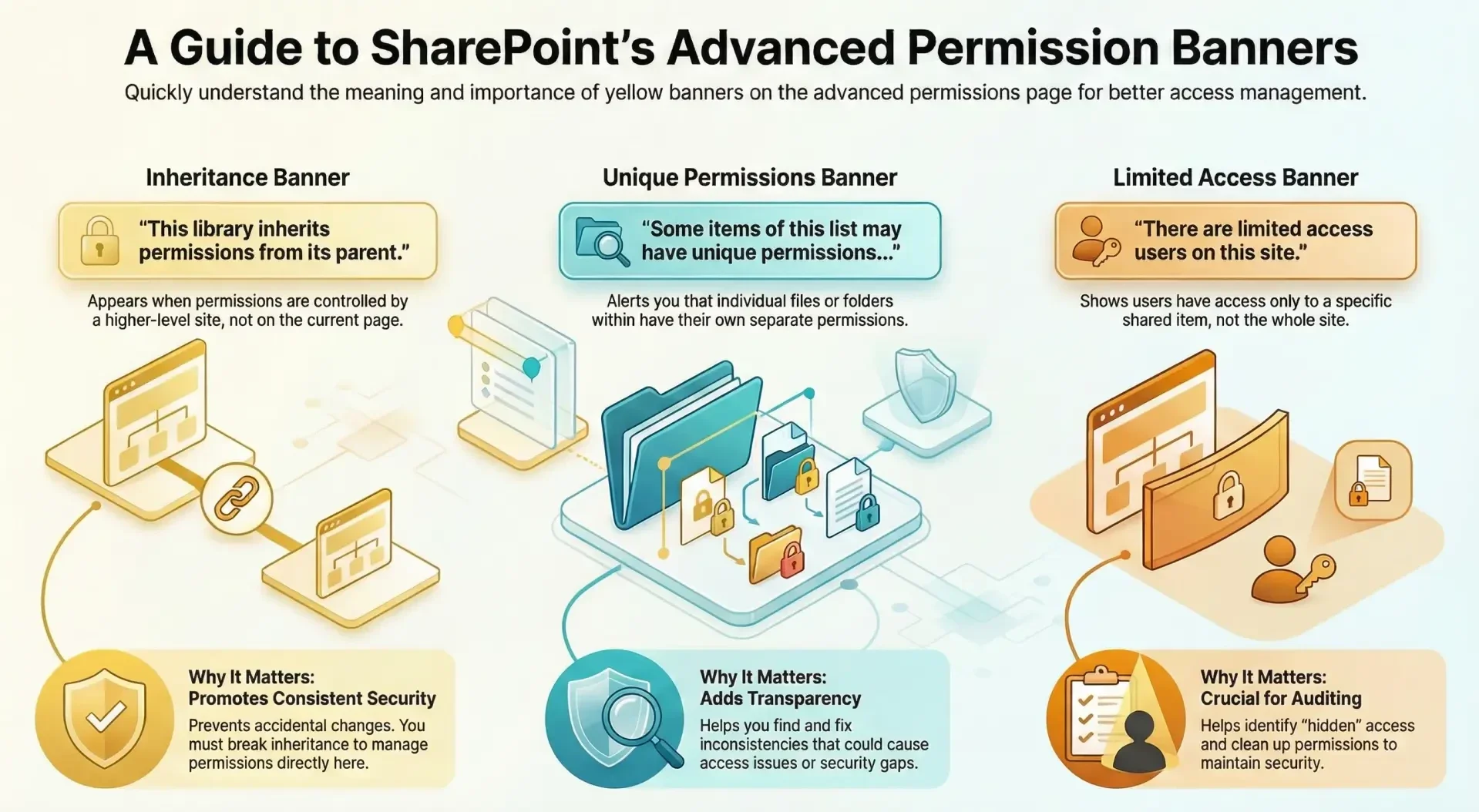
In SharePoint Online, the advanced permissions page displays one or more yellow banners at the top to provide important contextual information about the permission structure.
These banners are visual indicators designed to alert administrators or site owners to key aspects of how permissions are configured, helping to avoid misconfigurations and ensure proper access management. The specific banner(s) shown depend on the permission inheritance status, the presence of unique permissions on sub-items, or limited access scenarios.
Here are the common ones, based on Microsoft's documentation:
Inheritance Banner: This reads, "This library inherits permissions from its parent. (name of the site)".
- Usage: It appears when the list, library, or site is set to inherit permissions from its parent object (e.g., the site level). This means any changes made at the parent level automatically apply here, and you can't directly edit permissions on this page until inheritance is broken.
- Value: It prevents accidental overrides by clarifying the inheritance chain, promotes consistent permission management across a site hierarchy, and includes a link or option to break inheritance if needed (via the "Stop Inheriting Permissions" button). This is especially useful in large sites to maintain security without unintended fragmentation.
Unique Permissions on Items Banner: This reads, "Some items of this list may have unique permissions which are not controlled from this page. Show these items."
- Usage: It displays when individual items (e.g., files, folders, or list entries) within the list or library have their own unique permissions that differ from the parent. These aren't managed on the main permissions page but require drilling down to the item level.
- Value: By clicking "Show these items," it opens a dialog listing the affected items, allowing you to review or adjust them. This banner adds transparency to complex setups, helping admins identify and resolve permission inconsistencies that could lead to access issues or security gaps.
Limited Access Users Banner: This reads, "There are limited access users on this site. Users may have limited access if an item or document under the site has been shared with them. Show users."
- Usage: It appears when users have been granted "Limited Access" permissions, typically because they've been shared a specific item or document but not the full site, list, or library. This is a system-assigned level to enable navigation to the shared content without broader access.
- Value: Clicking "Show users" lists those with limited access, which is crucial for auditing and cleanup—e.g., if you unshare an item, these users lose access to it but may retain site navigation rights. It helps maintain least-privilege security principles and alerts you to potential "hidden" access that could affect compliance or data exposure.
Overall, these yellow banners enhance usability by providing at-a-glance insights into permission complexities, reducing troubleshooting time, and encouraging best practices like breaking inheritance only when necessary. They are purely informational and don't restrict actions, but ignoring them can lead to unexpected behavior, such as users retaining partial access after changes. If the banner is absent, it often means permissions are uniquely set at this level with no exceptions or limited access users present. For hands-on management, always access this page with site owner or full control permissions.